1. Sign up and create a key
Create a free account. Under Settings, API keys, create a key that may send messages. You will see it once: copy it.
The key goes in the X-Api-Key header of every request. There is nothing to exchange and nothing to refresh.
2. Find the number you send from
curl https://api.repletoryreach.co.za/v1/numbers \
  -H "X-Api-Key: rk_live_…"
Each number has an id. A message names the one it is sent from.
3. Send a message
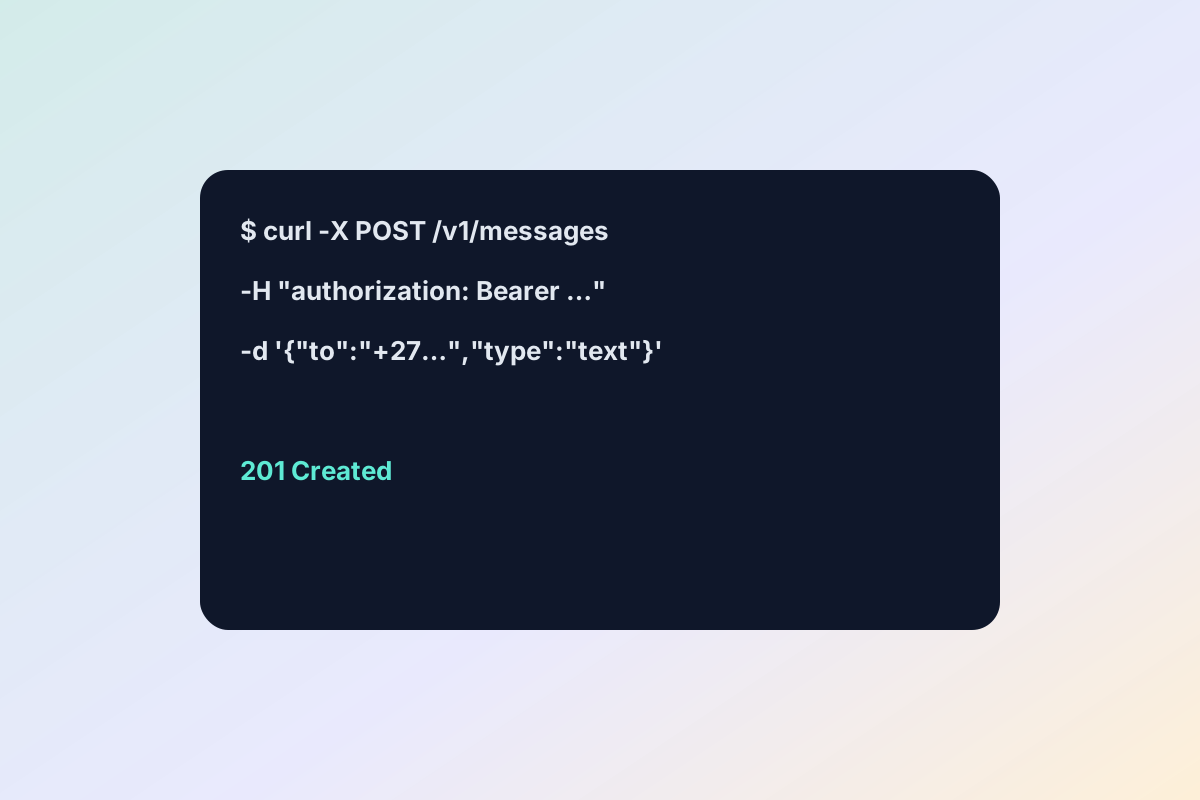
curl -X POST https://api.repletoryreach.co.za/v1/messages \
  -H "X-Api-Key: rk_live_…" \
  -H 'Content-Type: application/json' \
  -d '{
    "number_id": "…",
    "to": "+27821234567",
    "type": "template",
    "template": { "name": "shipping_update", "language": "en" }
  }'
The first message to a person has to be an approved template. Once they reply, you can send plain text for 24 hours.
4. Hear what happened
A key that may manage webhooks can create a subscription. Delivery and read receipts, and every reply, then arrive at your address, signed with the subscription's secret. The full reference, with every operation and the scope it needs, is in the console under Developers.